Day 26 - Using Claude Code to analyze Twitter bookmarks
Day 26, last day! An advent calendar usually ends at 25 days, but I was sick for a day or two there so wanted to make up for it.
Spent some time the last few days playing with Claude Code and I came away really impressed with it as a general purpose computer-using agent. Still, I personally don't think the CLI is the right environment for large scale software development where you want fine grained edit and backtrack controls. Having a UI like Cursor is still way easier for these things, so I plan to keep using Cursor for software development use cases.
One idea I did play around with is using Claude Code to do a systematic analysis of my Twitter bookmarks. I have an active project for scraping and searching your Twitter bookmarks, and I had previously built a "Claude plugin" mode that let you chat with your bookmarks through a dedicated MCP server I built. For ease of access for Claude to run structured queries, I use sql.js to convert your bookmarks client-side to a SQLite database that you'd then download locally, and then you would connect the MCP server to that SQLite file.
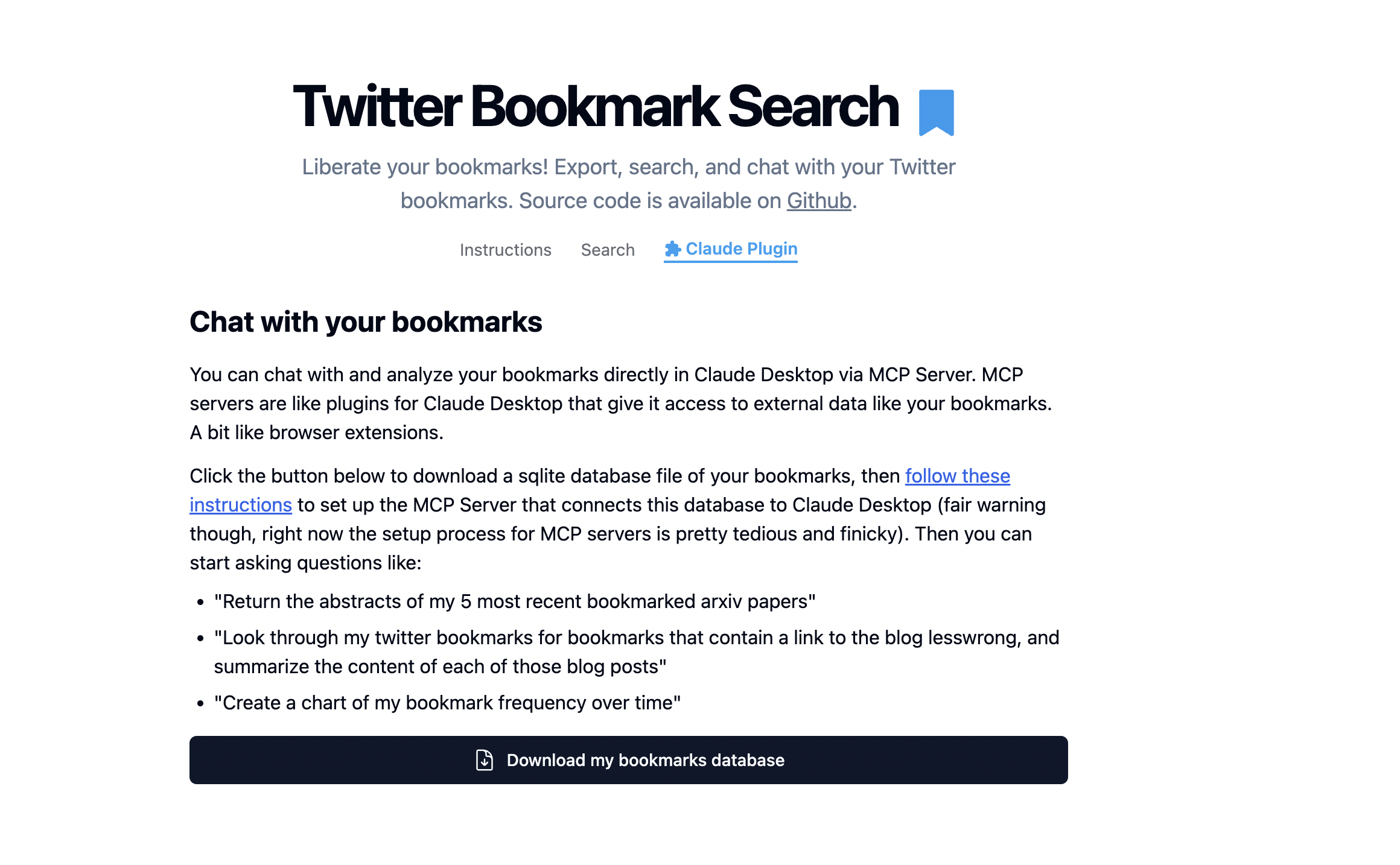
Configuring MCP servers is still a hassle however, and my recent experiments with Claude Code made me realize that using Claude Code as the agent harness for chatting with your bookmarks would be a much better fit. So I updated the "Claude plugin" instructions for the user to use Claude Code instead of the previous MCP server method.
Additionally, I wanted to explore having Claude Code run an opinionated, defined set of analyses, which it would then synthesize and present to the user as a bespoke report. I figure the best way to do this is to put the analysis specification in a prompt file and offer it as a downloadable markdown file. The user would just give the markdown file to Claude Code to "execute". This is an interesting pattern that I hope to explore more: the markdown file (or more generally, the prompt) as an executable program for the agent to run. It's a different kind of program though, more of a non-deterministic one.
Check out the analysis prompt below as well as an example of what an analysis of my bookmarks ended up looking like. Visit the actual implemented feature here.