Day 15 - AI-assisted business card design workflow
Today I designed and then ordered business cards for my agency 626 Software .
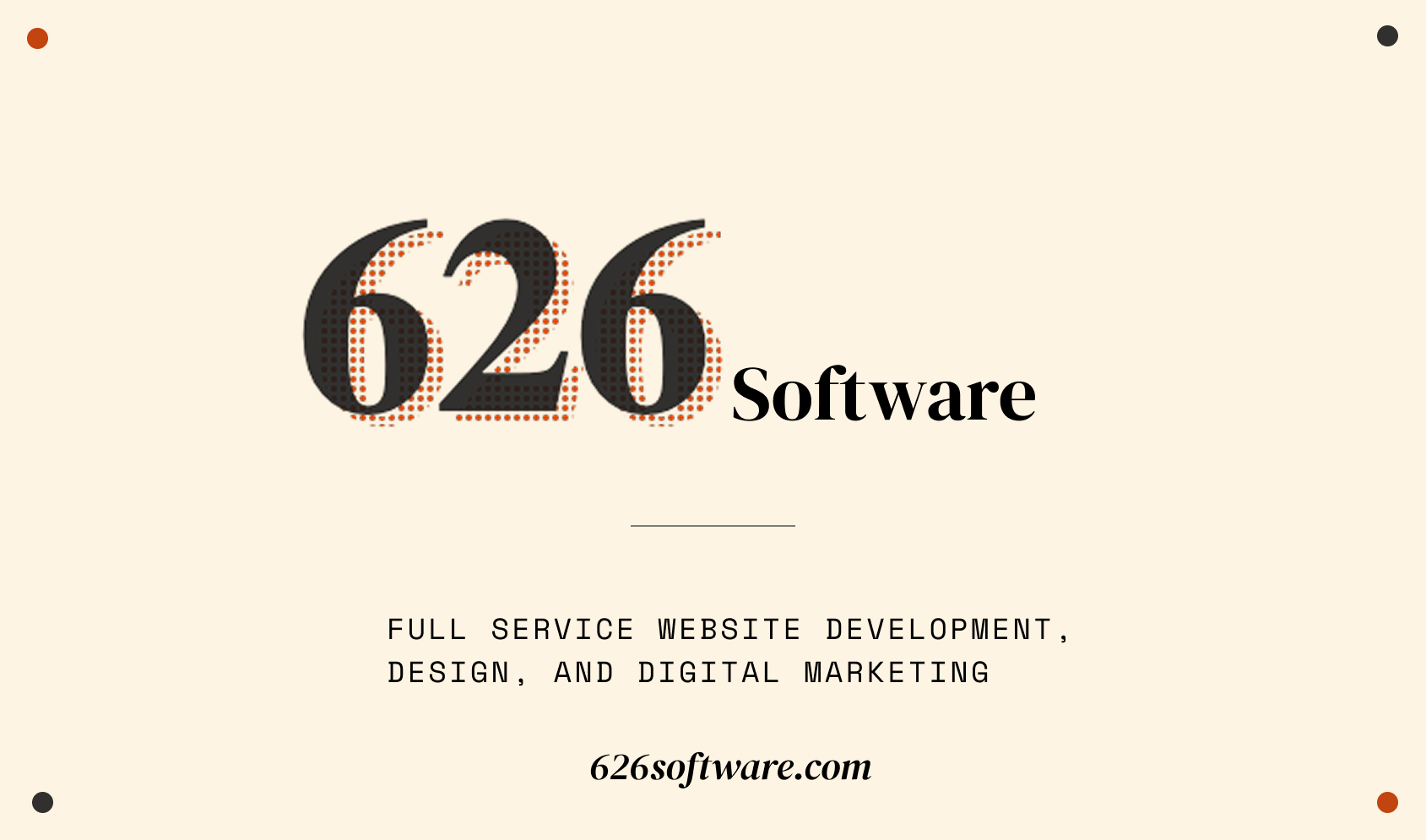
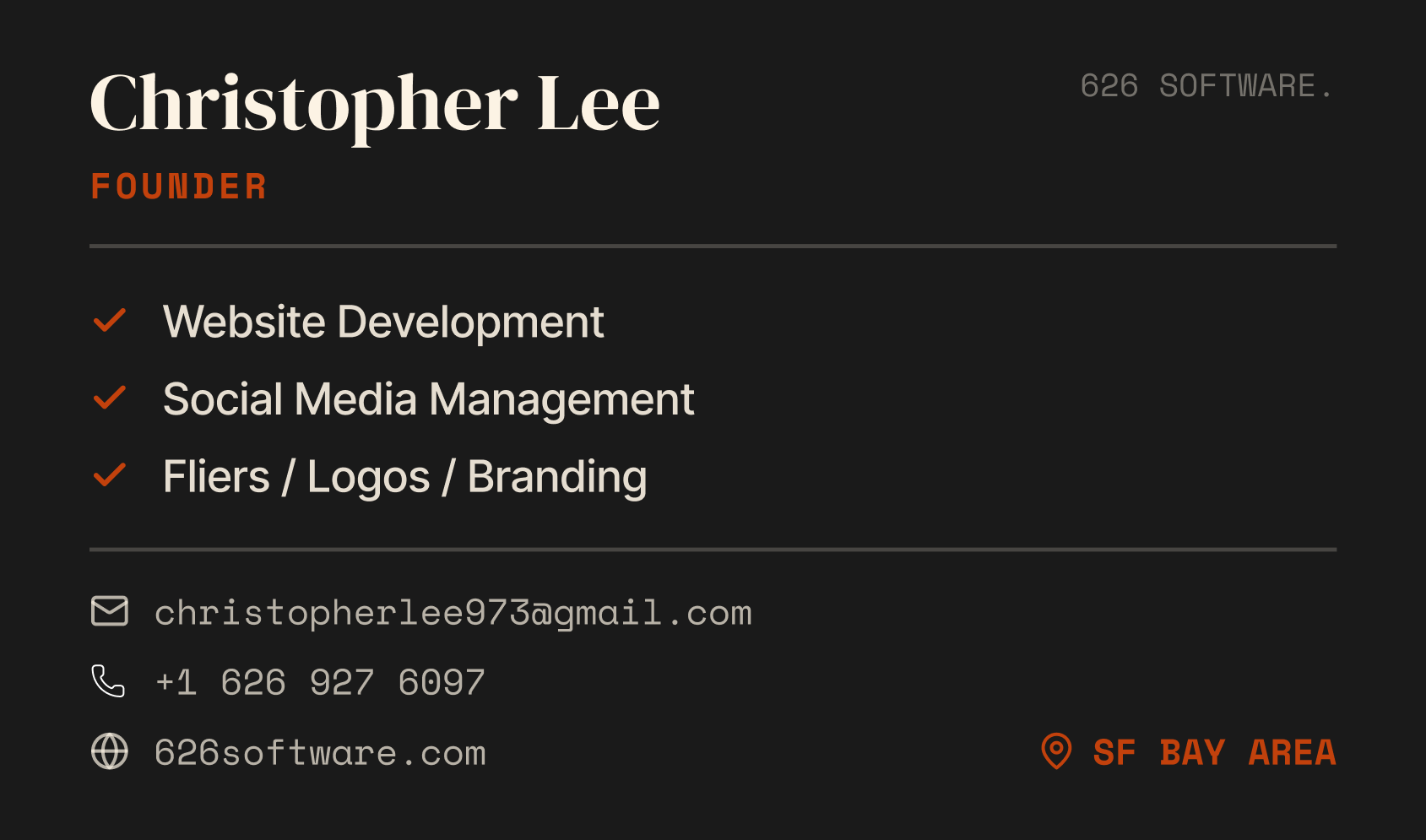
I don't really find the process of designing to be fun. In fact, most of the time I just feel the equivalent of writer's block, and I end up just staring at the screen for a long time (btw this is why I'm bringing in help from friends and family for any graphic design work my clients give us. I've done flier design work for previous clients and I want to offload that kind of work asap). It's just hard for me to come up with an adequate design from nothing.
One change I'm hopeful that AI will bring is to make design more accessible and approachable for non-designers like myself. The latest models, specifically Opus 4.5 and Gemini 3, actually possess good design sensibilities and are fantastic at building frontends. So it struck me that I could just have Gemini 3 create some business card designs through code, and I could then tweak and iterate on it by prompting it, just like I was trying to vibe code a website. I did this all via the AI Studio's Build mode. I soon reached a point where I had several variations that I liked. Here's the deployed output of what Gemini was able to create: https://service-626-software-agency-338849612268.us-west1.run.app/
They were 90% of the way there, but trying to make those remaining fine-grained changes through code was just not the right approach. So it was time to take them into Figma to make the last mile tweaks. If you notice from the output, I had Gemini list out all the font families, sizing, color palette, and download links to the SVGs and icons it used. This is because my original intention was to just use the Gemini-generated designs as a reference for me to manually recreate in Figma.
But wait... I had the HTML/CSS that Gemini had written, is there way for me to just directly import that code into Figma?? After a little bit of research, I found this Figma plugin: HTML to Design by Divriots that automatically converts any HTML/CSS code into a Figma frame. Perfect for my use case.
As I imported it, I held my breath expecting the worst. But they came out in Figma a near perfect match to the code version! The only difference is the SVG dot-grid background, but that's because figma doesn't support importing svg patterns.
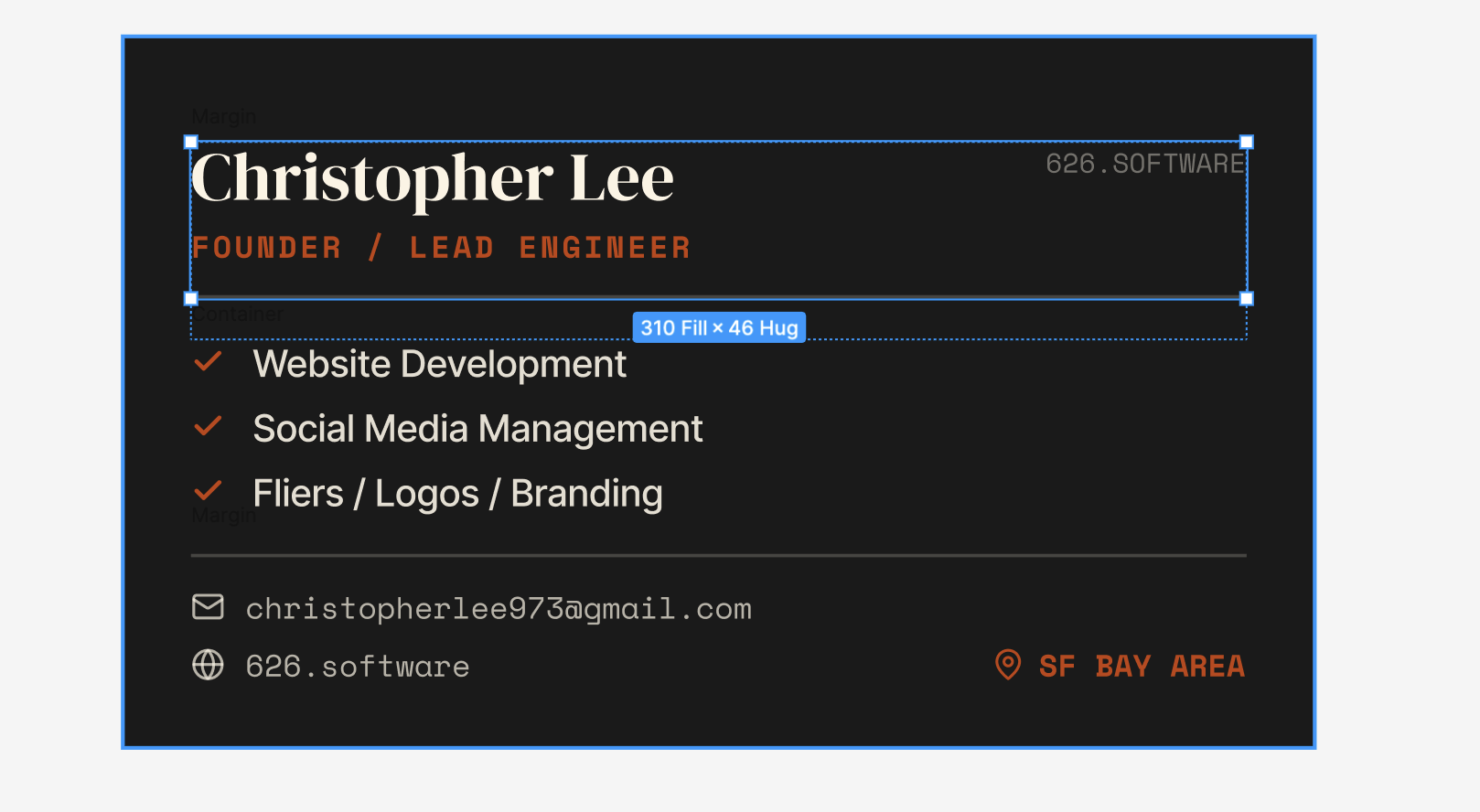
The fully editable Figma frame

What Gemini created through code
I definitely need to explore this workflow more. What I did was still very manual and could be made a lot smoother and straightforward. It's got potential that I can't put into words right now, but I know there's something there. This could be extended to designing flyers and posters too potentially. All I know is that I enjoyed this process a lot more than starting from a blank canvas in Figma.
Random thoughts: also, I've played around with Canva's AI Mode where it will generate some design for you that's then directly editable, but from what I've seen the designs pale in comparison to what the latest LLMs are able to design and create with code.
But maybe the LLMs will trip up on more complex layouts like fliers? I'll need to run that experiment...